


Work-in-process inventory management is not merely a matter of having too much material on the shop floor. The real problem is being unable to explain which production order, lot and operation owns an item, how much is there, where it is, how long it has waited and who must act next. When those answers are missing, delivery commitments, material planning, costing, quality investigations and working-capital control all become less reliable. This guide explains how a factory in Thailand can define WIP data, capture production events, calculate practical KPIs, write an executable RFP and validate the design through a 90-day Small Start.
Establish a common language for WIP management
Separate physical, operational and accounting WIP
Departments often use “WIP” to mean different things. Production sees units between processes, planners see open orders and operations, warehouse teams see semi-finished stock, while finance sees costs accumulated on unfinished work. These views are related, but they are not the same record.
| Layer | Object controlled | Typical identifiers | Primary users |
|---|---|---|---|
| Physical WIP | Actual material, semi-finished units and containers | item, lot, serial, container, quantity, unit | production, warehouse, quality |
| Operational WIP | Open work, operations and production orders | order, operation, work centre, machine, status | planning, production, maintenance |
| Accounting WIP | Costs posted to unfinished production | order, cost element, account, period | costing, finance, management |
If material moves but the operation event is not recorded, operational WIP remains at the previous step. If completion is posted before the material moves, the system advances while the physical container remains behind. Accounting WIP follows posting rules for material issues, labour, overhead and receipt or completion. An RFP must therefore specify the authoritative timestamp, quantity, amount and owner for each layer instead of relying on a vague requirement that “WIP balances must match.”
Define state transitions before screens
WIP inventory visualization should start with state transitions, not a dashboard. Useful states may include not started, issued, in process, paused, awaiting transfer, subcontracted, awaiting inspection, quarantined, rework, completed and cancelled. Add a state only when it changes the next action, the responsible team or whether the ageing clock runs.
Keep status and reason separate. A “hold” can have reason codes for quality disposition, machine recovery, material shortage, drawing approval or schedule change. This keeps the state model manageable while retaining the detail needed for improvement. Each transition must identify who can initiate it, any required approval and its effect on quantity and genealogy.
Use identifiers that preserve identity and quantity
Item and quantity alone cannot distinguish the same product in multiple orders, lots and operations. Link at least the production order, operation, item, lot or serial, unit of measure, current location, container or trolley ID and last event time.
Batch processes also require split and merge genealogy. When one parent lot becomes several child lots and is later blended, do not overwrite the original record. Store source, destination, quantity, time, reason and actor as events and verify quantity conservation. Choose serial, lot or container as the principal tracking object according to the traceability needs of the process.
Event design for WIP inventory visualization

Make the current balance reproducible from events
A table containing only current location and quantity is quick to display but cannot explain why the item is there. Capture timestamped events and update the current view as a result. Typical events include order release, material issue, operation start, pause, restart, good output, scrap, rework instruction, operation completion, transfer, receipt, inspection disposition, finished receipt, reversal and correction.
Each event should carry at least event_id, event_type, occurred_at, recorded_at, order_id, operation_id, item_id, lot_or_serial, container_id, source and destination locations, quantity, unit, reason_code, operator_or_device and source_system. occurred_at is when the shop-floor fact happened; recorded_at is when the platform received it. Keeping both reveals offline input and interface latency.
Corrections should not delete the original event. Use a reversing event that references the original, followed by the corrected posting. The acceptance criteria should prove that users can trace the original value, correction reason, approver and quantity impact after the correction.
Assign clear roles to ERP, MES, QMS and equipment data
Microsoft Dynamics 365 describes a production-order lifecycle through stages such as creation, estimation, scheduling, release, start, report as finished and ending. That lifecycle is a useful basis for assigning ERP ownership of orders, planning and accounting while an execution layer captures detailed start, stop, movement and output events.
ERP commonly owns items, BOMs, routings, orders, planned quantities and financial postings. MES handles short-interval progress, operators, equipment, output, hold reasons and exceptions. PLC or IoT data supplies cycles, counters and signals, but a machine signal alone may not identify the order and lot. A context ID is needed to connect machine activity to WIP progression.
The RFP should define a System of Record per data object: for example, order header in ERP, operation start in MES, machine counter in the IoT layer, inspection disposition in QMS and accounting WIP in ERP. Avoid multiple update owners for the same field because every additional bidirectional flow creates another opportunity for conflict.
Design manual input around exceptions
Automate routine facts through scanners and equipment, and focus human screens on exceptions. Requiring operators to type order, operation, item, lot, quantity and location every cycle creates delay and error. Scanning, equipment assignment and login context can prefill known fields.
Normal-flow demonstrations are not enough. Ask vendors to show that the solution can:
- split a container into two while conserving total quantity;
- reverse an incorrect completion, preserve history and repost correctly;
- record during a network outage and synchronize without duplicates;
- block movement after a nonconformance and restrict release to authorized users;
- display shop-floor and base units where unit conversion applies;
- reprint a damaged label while invalidating and recording the previous label.
Connect production progress visibility to KPIs
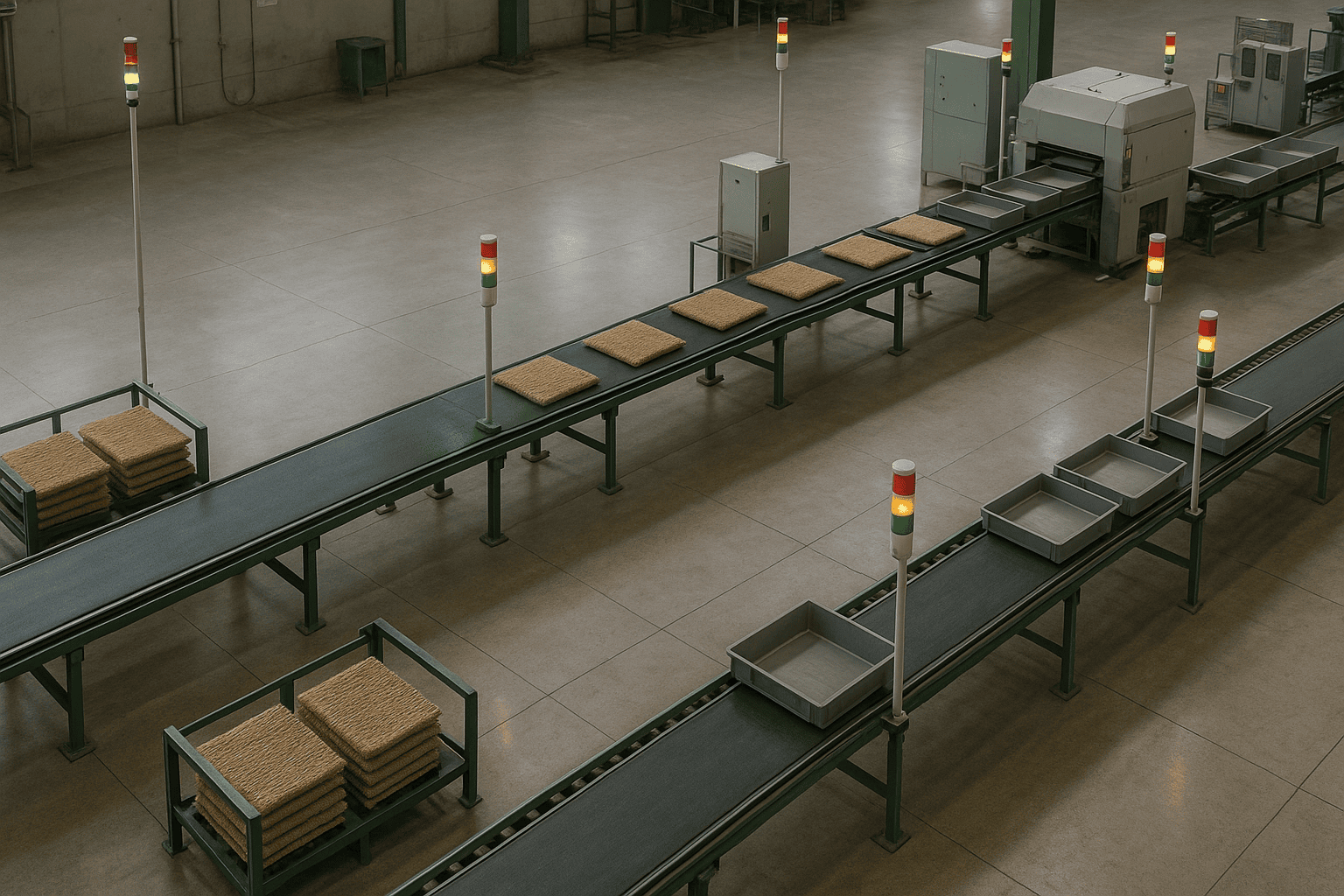
Pair every KPI with a decision
ISO 22400-1 provides a framework for key performance indicators in manufacturing operations management. ISO 18828-4 is narrower: its KPIs concern production-planning processes in series production, not every industrial system. Use it only where that planning scope applies. Naming a standard in an RFP is not enough. For each KPI, define scope, formula, calendar, exclusions, source, update frequency, owner and action when a threshold is exceeded.
If operation-level WIP increases, does planning restrict release, does production reassign labour, or does quality review held lots? Each decision requires a different view. A dashboard is the entry point to action, not the end of observation.
Define formulas precisely
The formulas below are implementation definitions, not claimed project results. Numerator and denominator must use the same factory, product family, process and time window.
| KPI | Formula or definition | Use |
|---|---|---|
| WIP quantity | unfinished good quantity plus unresolved quantity at the selected time | identify accumulation |
| WIP value | valid material, conversion and allocated costs posted to unfinished orders | working capital and costing |
| ageing | current time minus time of entry into the current state | prioritize intervention |
| operation lead time | operation completion time minus operation start time | analyze capability and variation |
| queue time | next-operation start minus prior-operation completion | improve transport, setup and queues |
| overdue rate | WIP records beyond the ageing threshold divided by WIP records in scope × 100 | monitor exception load |
| first-pass yield | quantity accepted without rework divided by inspected quantity × 100 | expose quality loss |
| recording delay | recorded_at minus occurred_at | monitor data freshness |
Separate record count from quantity: one container can represent a large quantity. Define whether time means calendar time, scheduled operating time or net processing time. A waiting duration that includes holidays is not directly comparable with one based on a production calendar.
Apply Little’s Law with consistent boundaries
Under steady-state conditions where long-run arrivals and departures balance, and when all measures use the same boundary and observation window, Little’s Law expresses this relationship among averages:
WIP = Throughput × Lead Time
WIP is average inventory in the system, Throughput is average output per time unit and Lead Time is average time from entry to exit. Units must agree. If throughput is units per day, lead time must be expressed in days.
This relationship does not guarantee savings from entered numbers. Product-mix changes, shutdowns, demand shocks or bulk disposal can make an average misleading. Segment the population by product family, route or constraint and display distributions and hold reasons. During acceptance testing, freeze the extraction rules and prove that all three measures can be recalculated from the same event population.
Reconcile production events and accounting WIP
SAP’s WIP Management and event-based WIP documentation, together with Microsoft’s production posting guidance, are useful primary references for linking production facts and cost postings. Map which accounting event is created by material issue, labour confirmation, overhead allocation, good or scrap output, report-as-finished, receipt and order closing.
Do not directly equate physical quantity with an accounting amount. Build reason codes for unposted events, failed interfaces, period status, standard-versus-actual differences, backflushing, subcontracting and rework orders. “Zero difference” by itself can encourage users to hide unresolved work. Acceptance should show the source, age and accountable owner of every reconciliation difference.
Why Thai factories should prioritize dependable WIP data
The Bank of Thailand’s 31 August 2026 release for July reported that manufacturing and service activities improved from the previous month alongside higher exports, while private investment softened after strong earlier growth. A just-in-time refresh of BOT’s SDDS table shows a July 2026 Manufacturing Production Index of 94.8 (2021=100, non-seasonally adjusted, preliminary), with 95.7 as the immediately preceding displayed value, also preliminary. The monthly activity assessment and the level of a non-seasonally adjusted index are not identical measures, and neither proves a WIP result for an individual plant. WIP management should instead reveal which orders and operations are affected when demand, production or material conditions change.
Thailand BOI reported first-half 2026 investment applications of THB 1.47 trillion across 1,299 projects. Smart and Sustainable Industry accounted for 132 applications worth THB 17.2 billion. Another BOI release reported THB 530 billion in realized capital expenditure, half linked to AI. These figures are contextual, not evidence of WIP savings. They reinforce the need to couple technology investment with data ownership and operating practice.
Equipment expansion without release control, priority rules, hold visibility and exception ownership can leave more inventory between operations. A visualization tool without a response process can become an unused screen. Treat technology and operating change as one outcome with shared accountability.
For a broader system view, see our guide to manufacturing process management systems. To connect progress data to customer commitments, see delivery date management system requirements.
Requirements for a WIP management system RFP
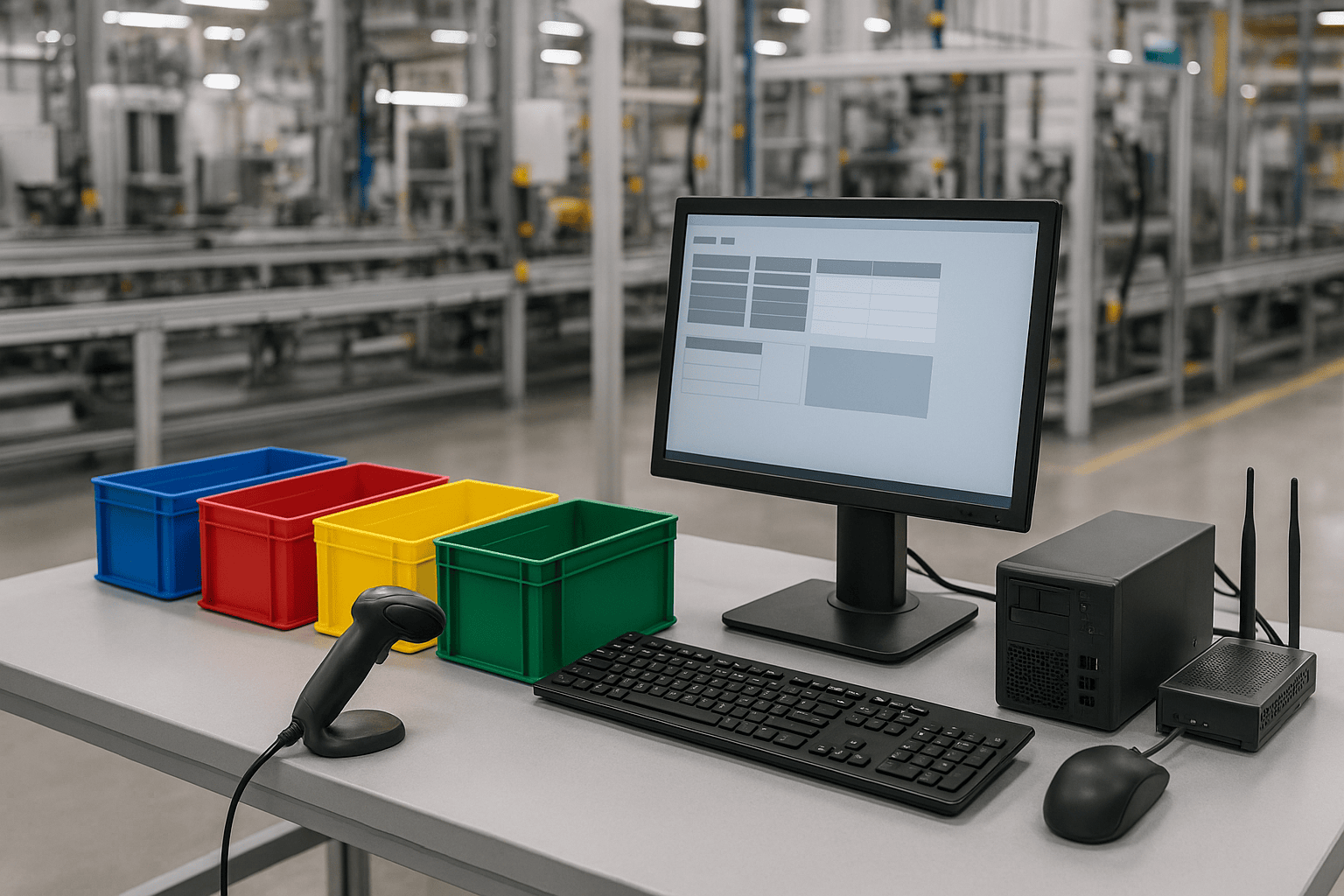
Business scenarios: state who changes what
Avoid statements such as “real-time visibility” or “complete traceability” without measurable meaning. Express each scenario through trigger, actor, input, processing, output, exception, approval and audit trail.
- Planning releases an order with operations, planned quantity and due date.
- Material handling associates issued lots and quantities with containers.
- The operator scans or selects order, operation and equipment to start work.
- Good output, scrap, hold, rework and movement are recorded as events.
- The next operation acknowledges receipt and detects sender-receiver differences.
- Planning, production and quality resolve overdue WIP by reason.
- Order completion checks for unresolved WIP, postings and dispositions.
Separate permission to enter, correct, approve, change master data, force completion and export records. For multilingual operations, test reason codes, master names, reports, search and CSV encoding—not only screen labels.
Functional requirements: surface exceptions first
Core functions include the WIP ledger, operation queues, lot and serial genealogy, container handling, ageing alerts, hold and release, split and merge, movement, physical count, correction, audit logs, KPIs, access control and APIs. The most valuable view is usually not “search everything” but “show what requires action now.”
Each alert should identify object, reason, age, quantity, due-date context, next owner, expected action and acknowledgement state. Prevent repeated alerts for the same condition and record acknowledgement, deferral, resolution and recurrence. Thresholds should vary by product family, operation, priority and operating calendar.
Non-functional requirements: make freshness and recovery testable
“Fast” and “high availability” cannot be accepted objectively. Define testable conditions for response time, event latency, concurrency, retention, backup, recovery, auditability, device control, encryption, authentication and behavior during a network outage. Set targets from plant risk and constraints rather than copying a vendor default.
Thai shop-floor conditions may include intermittent links between the plant and cloud, shared terminals, shifts, several languages, gloved users and damaged labels. Test offline queue capacity, replay order, duplicate suppression, device clock skew and the authoritative server clock.
Integration requirements: specify a data contract
For every interface, record source, target, data owner, trigger, frequency, key, mandatory fields, retry, ordering, duplicate rules, error notification and reconciliation. “An API is available” does not describe an operable integration.
If an operation completion fails to reach ERP, users must distinguish sent by MES, received by ERP and successfully posted to accounting. Require event_id-based idempotency so that a retry does not double the quantity. Also define compatibility when master-data versions change while a device still holds an older copy.
Migration requirements: focus on open work
The highest-risk cutover data is active WIP. It is usually more important to reconcile open orders, physical lots, current operation, quantity, location, holds and accounting balances than to migrate every historic detail.
Perform a physical count, classify differences and rehearse extraction time, freeze period, delta load, reconciliation report, approval and rollback. State the precise time when the new System of Record becomes authoritative.
Vendor evaluation and acceptance testing
Compare scenarios, not feature ticks
A checklist can show the same feature name across vendors while hiding very different exception handling. Give every bidder the same master data, order and abnormal scenarios, and ask them to demonstrate configuration, transaction, history and KPI output as one chain.
Score business fit, data model, integration, exception handling, support, security, scalability, total cost and delivery capability separately. Distinguish standard capability from demo customization. For custom work, examine specification, testing and upgrade impact. If multiple plants are planned, assess the boundary between a common template and plant configuration.
Verify recalculation, not only screen output
Acceptance tests should prove that quantity, ageing, KPIs and posting results are reproducible from source events.
| Test | Action | Acceptance condition |
|---|---|---|
| quantity conservation | split, move and merge | source, moved and remaining quantities reconcile |
| duplicate prevention | resend the same event_id | no duplicate posting; retry is logged |
| out-of-order event | receive a delayed start after completion | quarantine or correct under a documented rule with audit evidence |
| correction | reverse and repost an error | original, reason, approval and effect remain traceable |
| offline operation | record several events during disconnection | synchronize with no omission or duplication |
| KPI recalculation | aggregate a fixed dataset | scope, time and result match the definition |
| order completion | attempt completion with unresolved WIP | block it or record an approved exception |
Use a small dataset with known expected values. A large production aggregate alone makes errors difficult to isolate. Store cases, input events, expected results, actual results and evidence as one acceptance package.
A 90-day Small Start
The 90-day period is a proposed validation window, not a claimed performance result. Select one product family or route where ageing is visible and production, planning, quality, warehouse and finance can cooperate.
Days 1–30: definitions and baseline
- agree WIP layers, states, reasons, identifiers and Systems of Record;
- reconcile physical items and current systems, classifying differences;
- define KPI formulas, scope, calendar and refresh cycle;
- observe normal and exception scenarios;
- confirm ERP, MES, QMS and equipment integration points.
Deliver a current-state flow, event dictionary, field mapping, KPI dictionary and issue register before building screens.
Days 31–60: limited implementation and daily control
- collect events from the selected process;
- provide queues, ageing alerts and reason views;
- test normal and exception flows on shop-floor devices;
- review recording delay, unresolved events and quantity differences daily;
- reduce input burden and alert noise.
Prioritize complete, non-duplicated facts and operational response over dashboard appearance. Record who acknowledged each alert, when and why it was closed.
Days 61–90: acceptance and expansion decision
- recalculate KPIs from a fixed dataset;
- test offline work, correction, split, merge and holds;
- validate reconciliation with ERP accounting postings;
- document roles, training, support and incident response;
- define conditions and unresolved issues for the next line or plant.
Judge data completeness, recording delay, exception handling, adoption, ownership and interface stability. The outcome is not a pre-invented saving; it is the ability to compare the baseline and observed result under the same definitions.
Common failure modes
Building an inventory screen without production events
A current-balance list cannot explain when or why an item became stuck. Capture start, completion, movement, receipt, hold, release and correction events while retaining a fast current view.
Making every interface real time
Immediate bidirectional synchronization for low-priority data adds failure points. Choose event flow, scheduled synchronization or daily reconciliation according to the decision’s freshness need.
Moving data-entry responsibility to operators
Adoption suffers when fields are numerous, devices are distant and exceptions are unsupported. Scan and prefill, then return value to operators through better next-operation preparation and fewer status inquiries.
Creating too many KPIs
An unowned metric does not improve operations. Assign a decision maker and response to each KPI and remove unused measures. Start with WIP, ageing, queue time, recording delay and quality holds related to the selected constraint.
FAQ: WIP management and production progress visibility
What does work-in-process inventory management cover?
It covers physical quantities, open production orders and operations, location and genealogy, hold reasons, ageing and costs posted to unfinished production. Define physical, operational and accounting WIP separately and then link them.
Can WIP inventory visualization start in Excel?
Yes, as an initial method to test states, reasons and KPI definitions when scope and update ownership are limited. It becomes difficult when concurrent use, event history, scanning, access control, equipment integration, duplicate prevention and auditability are required.
How is a WIP management system different from inventory management?
Inventory management focuses on stock movement and balance by location. WIP management adds manufacturing context: orders, operation sequence, start and completion, queues, holds, good and scrap output and rework. They integrate but are not necessarily the same scope.
Which KPIs should production progress visualization show first?
Candidates include operation WIP quantity, time since the last event, queue time from prior completion to next start, recording delay and hold reason. Select measures according to the decision and owner, not as a universal factory list.
Will a lead-time reduction system automatically reduce WIP?
No system alone guarantees that result. Use consistent definitions for WIP, Throughput and Lead Time, then act on release control, priority, setup, quality holds, transfer and downtime. The system supplies evidence and tracks action.
How precisely should an RFP define KPI formulas?
State numerator, denominator, process scope, included statuses, time basis, exclusions, unit, source, refresh, rounding and timezone. A bidder should be able to reproduce the same result from the same acceptance dataset.
Conclusion
Effective work-in-process inventory management separates physical, operational and accounting WIP; records shop-floor facts as reversible events; and connects KPIs to decisions and owners. An executable RFP specifies identifiers, states, exceptions, data ownership, interface contracts, formulas, migration and acceptance tests. A 90-day Small Start should avoid invented benefit claims and establish a common basis for comparing baseline and observed performance.
TOMAS TECH can help structure WIP definitions, KPI specifications, interface scope and an RFP even when the current ledger and process map are still incomplete. If you want to clarify requirements before selecting equipment or software, please contact our team.
References
- ISO 22400-1 — KPIs for manufacturing operations management
- ISO 18828-4 — KPIs for production-planning processes
- SAP — WIP Management, SAP S/4HANA 2025 FPS01
- SAP — Event-Based WIP
- Microsoft Learn — Production process overview
- Microsoft Learn — Production posting
- Bank of Thailand — July 2026 conditions
- Bank of Thailand — Q2 and June 2026 conditions
- Bank of Thailand — SDDS
- Thailand BOI — First-half 2026 applications
- Thailand BOI — Realized investment and AI-linked capital


