



If you searched for Claude business use and landed on this page, chances are your company has already rolled out ChatGPT or Copilot internally, and you are now trying to figure out what makes Claude different by lining up context window length, pricing, and feature checklists side by side. The problem is that a feature-by-feature comparison, taken on its own, tends to lead companies down the same path they already walked with ChatGPT — handing every employee a generic chat window, deploying it broadly and thinly across use cases where it helps and use cases where it does not, and eventually watching adoption fade because nobody can point to a measurable return. This article sets the feature comparison aside for a moment and works backward from the three use cases where Claude’s design characteristics structurally pay off.
Why choosing Claude by feature comparison fails
A common pattern in generative AI tool selection is to build a comparison table across context window size, supported file formats, image and audio handling, and monthly pricing, then pick whichever option looks strongest on paper. There is nothing wrong with this approach in itself, but stopping there creates a specific problem: a feature table tells you what a tool *can* do, not which of your own business processes it will actually help.
We have seen the same failure repeat itself across the generative AI training programs and adoption-support engagements we have run for clients. In the early stage, companies distribute accounts to every employee under a “let’s just try it” banner and run training sessions on how to use the chat interface. A few months later, usage data shows that only a handful of curious early adopters are active, while most accounts have never even logged in. The cause is rarely that the tool is hard to use — it is that nobody mapped “this specific task gets clearly easier with this specific tool” before rolling it out. Distributing Claude the same way produces the same result.
What makes the feature-comparison stage even riskier is that it makes “don’t adopt this” a hard conclusion to reach. The more you compare context length and multimodal support across vendors, the more precisely the differences seem to come into focus, and that precision can create a false sense that a decision has been made. In reality, the question that matters most — which department, which task, and why it helps — has not been answered at all. A feature table is one input among several, but it should never be the sole basis for an adoption decision, and it helps to set that boundary before you start comparing.
What this article proposes instead is choosing Claude based on which tasks it structurally strengthens, rather than what it can technically do. Claude has three design characteristics — a long context window, a constrained and predictable behavior design, and an autonomous coding agent — and these characteristics translate into three use cases where the tool structurally wins: bulk reading of long documents, autonomous coding support, and drafting for regulated industries and external-facing communications. Rolling Claude out broadly as a general-purpose chat tool for casual Q&A that falls outside these three use cases only adds cost without differentiating it from ChatGPT. The consistent argument in this article is to first take inventory of which of your company’s tasks fall into which of the three use cases, then start a pilot with the one team where it will help the most.
The broader landscape of generative AI tools is more than any single article can cover. If you want to compare multiple tools side by side, see Generative AI Comparison for Enterprises. If you want to understand ChatGPT’s contracting details — including whether a consumer or business contract is the right fit — see ChatGPT Enterprise Implementation 2026. If you are wrestling with how to host the underlying infrastructure, including API access or self-hosting, see Enterprise LLM Deployment Strategy. And if what you actually need is to streamline lightweight tasks inside Word, Excel, or Outlook, our separate article on Microsoft Copilot adoption will be more directly useful. This article differs from all of those: its sole focus is figuring out how to use Claude in a way that actually works.
Three use cases where Claude structurally wins

Let’s lay out the three use cases where Claude’s design characteristics structurally pay off. The first is bulk reading of long documents. The second is autonomous coding support. The third is drafting for regulated industries and external-facing communications. What these three have in common is that the value comes not from answering quickly, but from grasping an entire document without losing context, or from staying consistent without drifting off course. Conversely, if all you need is short answers to one-off questions, the ChatGPT or Copilot subscription you already have is usually enough, and adding Claude on top becomes a lower priority. Let’s walk through each use case with concrete business scenarios.
Use Case 1 | Bulk Reading of Long Documents
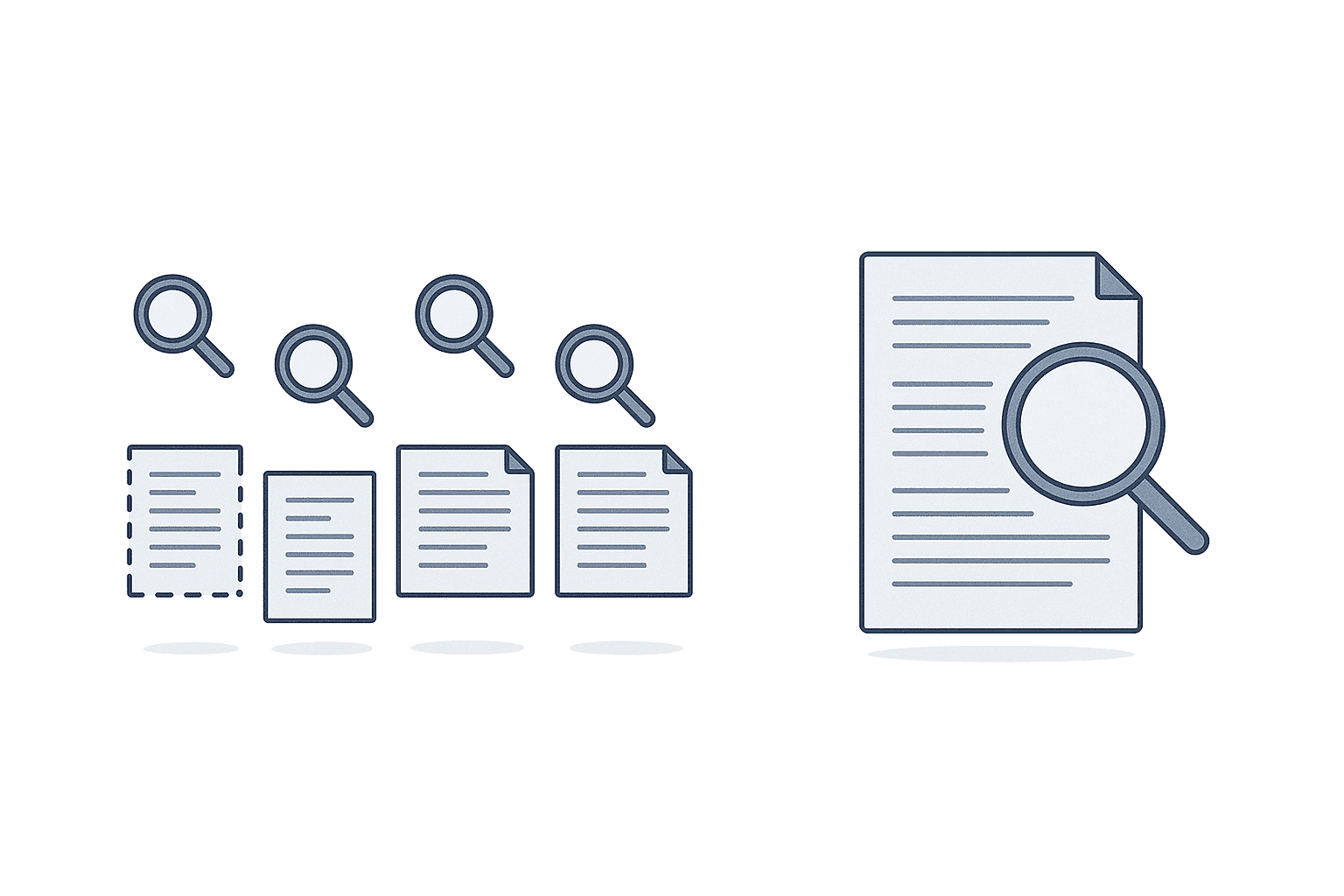
The first use case is bulk reading of documents that lose coherence when split into chunks — contracts, technical specifications, audit materials, and lengthy reports from overseas subsidiaries. This is where Claude’s 200,000-token context window matters. Being able to feed in a contract, an annual report, a regulatory filing, or a lengthy research document in full, without splitting it up, is cited as a practical advantage in real-world use. ChatGPT and Copilot have also improved their handling of long documents, but multiple comparison reports point to the same recurring difference: these tools can still carry design assumptions from a chunk-based processing architecture under the hood.
Picture a concrete business scenario. Suppose Company A, a Japanese-owned auto parts manufacturer operating in Rayong province, Thailand, runs its operations across a mix of languages — Japanese at headquarters, and Thai and English at the local subsidiary. Purchasing contracts are drafted in English, inquiries to local authorities are written in Thai, and reports back to headquarters are written in Japanese. One month, during a contract renewal with a supplier, the team needs to compare a full set of documents running over 100 pages — the original contract, a revised draft, appendices, and a history of email exchanges — all at once, to identify what changed and flag potentially risky clauses. If a staff member has to read this in pieces, they end up repeatedly flipping back to earlier pages to check how an appendix condition ties back to a specific clause in the main text, and the risk of missing something goes up. A tool that can take in the entire document set at once can be assigned the first-pass work of cross-checking clauses for contradictions and inconsistencies with the appendices, freeing the staff member to focus on final review and judgment calls.
This use case also happens to fit well with Japanese-owned manufacturers in Thailand. Thai factories run on a daily mix of English, Thai, and Japanese documents — contracts, audit materials, inquiries to local authorities — and the need to read long documents in full, without splitting them, comes up more often here than in many other industries. That said, one caveat is worth stating plainly: information about reading quality for Thai-language documents is not as extensive as it is for English and Japanese. Rather than overstating that “Thai performs just as well,” a more realistic approach is to start by applying this to English and Japanese documents first, then expand into Thai-language documents as accuracy is verified in actual use.
Use Case 2 | Autonomous Coding Support (Claude Code)
The second use case is autonomous coding support for development teams. Claude Code launched in February 2025 and, roughly 8 months after release, reportedly became one of the most widely used AI coding tools, surpassing GitHub Copilot and Cursor. Reports also indicate that enterprise contracts for Claude Code quadrupled in the first quarter of 2026. The important thing here is that the ROI for this use case shows up differently than the ROI for typical chat usage. General-purpose chat tools are usually measured by time saved on individual tasks, but autonomous coding support shows its return in shortened review queues and shorter release lead times.
As a concrete example, Rakuten reportedly used Claude Code to cut the time to ship new features from 24 days down to 5 days — roughly a 79% reduction. The same reporting describes a complex open-source refactoring project completed with seven hours of continuous autonomous coding. This points to a shift away from the traditional workflow of reviewing code line by line, toward a division of labor where an agent handles a reasonably self-contained chunk of work and humans focus on review and direction.
Many Japanese-owned manufacturers in Thailand build production management systems and shop-floor applications in-house or semi-in-house. But in a typical setup where the headquarters IT department and the local development staff are both stretched thin and working part-time on development, the wait time for code review itself often becomes the bottleneck on development speed. Handing over the first pass of stalled pull requests, or the groundwork for a refactor, to an agent can let even a small development team tighten its release cycle. This use case is confined to development teams — distributing it to non-development staff will not produce results, and that distinction should be made explicit when deciding who the pilot targets.
Measuring the impact here also needs a different approach than typical chat usage. If you try to measure raw working hours, the time an agent spends working autonomously gets mixed in with the time a human spends reviewing, and the two become impossible to separate cleanly. It works better to track metrics the development team is likely already tracking — days from pull request creation to merge, or lead time for a release — and watch how those numbers move. If you do not record these metrics before the pilot starts, all you will have after the fact is a vague sense that things feel faster, with nothing concrete to point to.
Use Case 3 | Regulated Industries and External-Facing Documents
The third use case is document drafting where consistency and staying on message matter more than speed — supporting materials for credit reviews, external-facing explanatory documents, and drafts for regulatory inquiries. This is where Anthropic’s emphasis on safety-oriented design pays off. Deloitte reportedly deployed Claude to more than 470,000 employees globally as of October 2025, and Anthropic’s safety-focused design is cited as a reason for adoption in heavily regulated industries.
Cases from Japanese companies have also been reported. Hitachi reportedly established the “Frontier AI Deployment Center” together with Anthropic, starting with a team of roughly 100 people with plans to scale to around 300. NEC reportedly plans to use Claude Opus 4.7 and Claude Code within its own value-creation model, “BluStellar Scenario.” What these cases have in common is that they are not aiming for one-off chat usage — they are building the tool into internal business processes.
Applied to Japanese-owned manufacturers in Thailand, this use case plays out in drafting inquiries to local regulators, preparing explanatory materials for the parent company, or supporting materials for credit reviews with business partners. What these documents need is not speed, but wording that does not drift and consistency with past documents. Using the tool as groundwork that a staff member then checks line by line lightens the review burden itself. The principle that a human retains final responsibility for the wording does not change here either — the tool produces a draft, and a human reviews and finalizes it.
Thinking Through Pricing Plans (Team and Enterprise)
Anthropic’s business customer base was reported at more than 300,000 companies as of October 2025, with annualized revenue (ARR) reported at roughly $30 billion as of April 2026. Business contracts are broadly split into two tiers: Team and Enterprise.
The Claude Team plan is reported to run roughly $20 to $30 per seat per month, with a minimum of 5 seats on an annual contract. The Enterprise plan is a custom contract starting at 50 seats and includes governance features such as SSO (single sign-on), SCIM (automated user provisioning), and audit logs. Reports indicate that neither plan’s base price includes AI usage itself — prompt and API consumption is billed separately. In other words, cost does not just scale linearly with seat count; you also need to budget for variable costs tied to actual usage.
Given this pricing structure, the reasoning for plan selection follows a clear pattern. First, identify a single team that clearly matches one of the three use cases, and start small with the Team plan sized to that team’s headcount. A minimum lot of 5 seats happens to be a good fit for a pilot. Once the pilot shows results and you need governance across multiple teams — centralized SSO/SCIM and audit logging — that is the point to consider moving to the Enterprise plan. Going straight to a company-wide Enterprise rollout, by contrast, locks in cost before you know which team is actually benefiting, repeating the same mistake as feature-comparison shopping, just at the plan-selection stage instead.
Note that if you are considering embedding Claude into your own systems via API, or self-hosting rather than using the SaaS Team/Enterprise product, the pricing logic is completely different. If infrastructure hosting itself is what you are wrestling with, see Enterprise LLM Deployment Strategy. This article deals strictly with how to apply the SaaS version of Claude to business tasks.
Choosing Between Claude, ChatGPT, and Copilot
For companies that already have ChatGPT or Copilot in place, the question of whether to add Claude is not really about which tool wins on features — it is about how to divide the work between them. Comparison reports on enterprise AI tool selection note that Claude and Copilot, on their paid plans, are both designed so that input data is not used for training, making both suitable for enterprise use. Within that, Claude is rated highly for the quality of Japanese-language business writing, while Copilot is rated stronger on Office integration.
Given that assessment, a practical division of labor looks like this. For light tasks that stay entirely inside Word, Excel, or Outlook — summarizing meeting notes, drafting emails, working spreadsheet calculations inside a document — Copilot’s Office integration gets the job done with fewer steps. For bulk reading and comparison of long documents like contracts and specifications, document drafting in regulated industries where consistency matters, and autonomous coding support, Claude’s design characteristics are the ones that structurally win, as covered in the previous sections. ChatGPT is generally regarded as strong for general-purpose conversation and broad task coverage, but our ChatGPT Enterprise Implementation 2026 article, which focuses on contracting practices, does not go deep into how it differentiates within the three use cases this article covers.
The key point is to think in terms of layering tools rather than replacing what you already have. A realistic landing point is to keep everyday light tasks on Copilot and ChatGPT for the whole company, while adding Claude specifically for the teams whose work matches one of the three use cases. Trying to consolidate onto a single tool tends to produce a tool that half-works for every task and fully works for none.
Security | Training Opt-Out, Audit Logs, SSO/SCIM
Security requirements are unavoidable in any enterprise rollout. As noted above, paid plans are reported to be designed so input data is not used for training. For Use Case 1, where highly sensitive documents like contracts and audit materials are read in bulk, this training opt-out setting becomes a prerequisite. Before rollout, confirm exactly which of your internal contract types this setting applies to.
The Enterprise plan includes SSO (single sign-on) and SCIM (automated provisioning and deprovisioning). This lets account issuance and suspension track employee onboarding, offboarding, and team transfers automatically, in sync with your existing internal identity system. Audit logging adds the ability to later verify who uploaded which document, when, and what the exchange looked like. For Use Case 3 — regulated industries and external-facing documents — the presence or absence of audit logging can be a deciding factor in whether adoption goes ahead at all.
If you start a pilot at the Team plan level, SSO and SCIM are often not yet in place. In that case, a practical approach is to manage pilot team account issuance and suspension manually and strictly, then switch to SSO/SCIM automation at the point you move to Enterprise. Rather than postponing the pilot itself over security concerns, the better mindset is to manage risk with an operating process sized to the pilot’s scope.
One more thing worth confirming is the data retention policy — how long uploaded documents and prompt content are retained on the vendor’s side. Not being used for training and being retained on servers for some period are two separate questions. When handling sensitive material like contracts and audit documents, you should also confirm retention periods and whether deletion requests are possible as part of the contract terms. These confirmations should be translated into concrete operating rules in the internal guidelines covered in the next section.
Rollout Steps for Japanese-Owned Manufacturers in Thailand
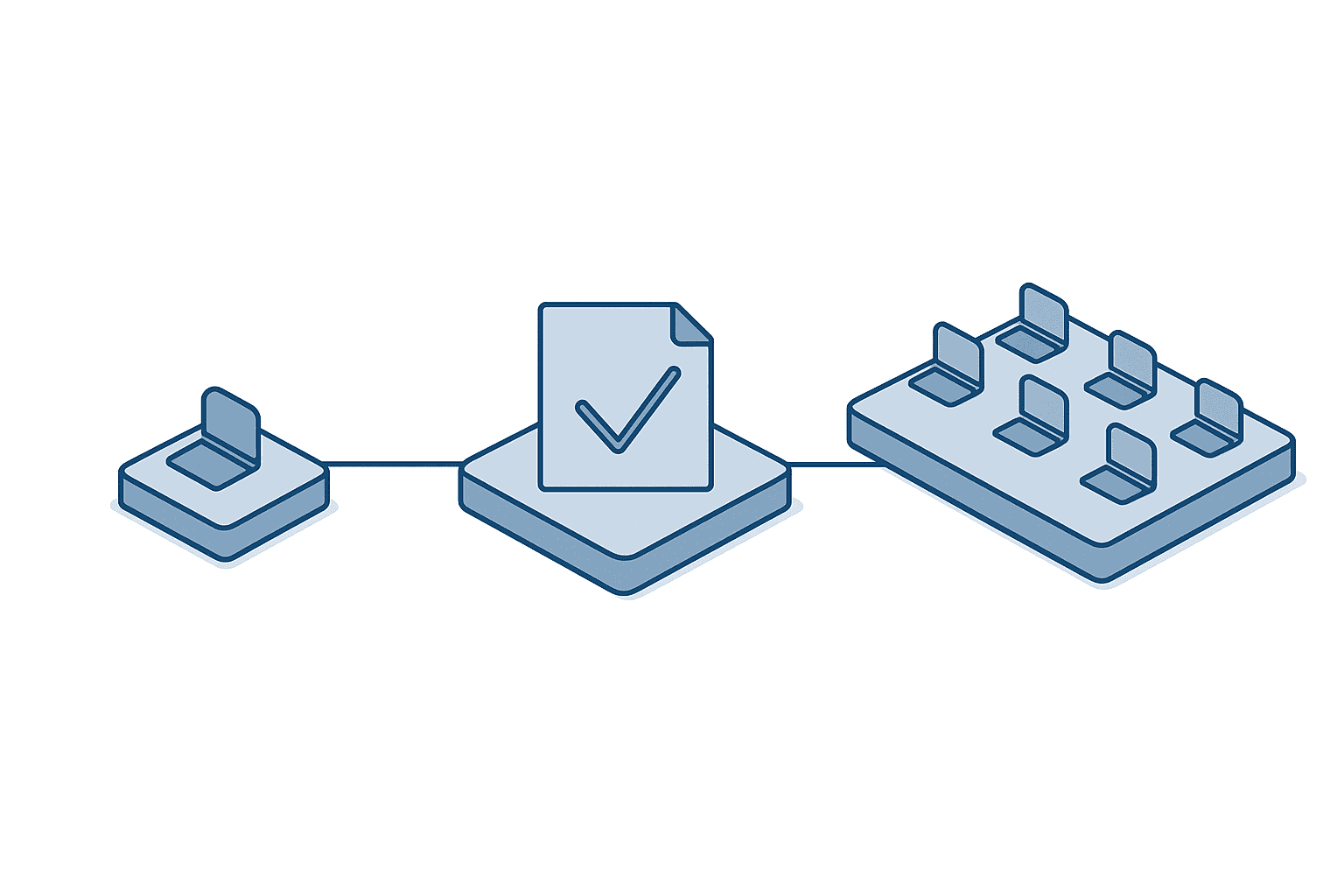
Building on everything above, here are the concrete steps for a Japanese-owned manufacturer in Thailand to roll out Claude. The sequence runs in three stages: selecting a pilot department, building internal guidelines, and rolling out more broadly.
Selecting a pilot department. Start by taking inventory of which department at your company most strongly matches which of the three use cases — bulk reading of long documents, autonomous coding support, and regulated-industry or external-facing document drafting. If purchasing or legal staff routinely spend time bulk-reading contracts, that points to Use Case 1. If a development team is stuck waiting on code reviews, that points to Use Case 2. If a department is buried in external explanatory materials or regulatory inquiries, that points to Use Case 3. Even if more than one use case seems to apply, it matters to start the pilot with just the one team feeling the most pain first.
Building internal guidelines. Alongside the pilot, build internal guidelines that account for PDPA (Thailand’s Personal Data Protection Act). Contracts and audit materials frequently contain personal data, and the training opt-out setting and data retention policy need to be spelled out explicitly in your internal guidelines. This is structurally the same issue we covered in a separate article, PDPA Compliance for Factory IoT, though that article covers sensor data from factory IoT systems, while this one covers document-based work like contracts and audit materials. The type of data differs, but the underlying principle is the same: whenever personal data is involved, the rules for training opt-out and data retention need to be documented in advance.
Rolling out more broadly. Once the pilot shows results and you are considering expanding to more departments or moving to the Enterprise plan, decide early whether headquarters and the local subsidiary will run separate tools. Running separate tools between headquarters and the local subsidiary fragments governance on the headquarters side — centralized audit logging and unified usage policy both break down. Whether to include the Thailand site within a global Enterprise contract is a decision that should be made early in the rollout process. Trying to merge things later means redoing the contract structure and account setup, which doubles the work.
The general order for expansion is to roll out to other departments matching the same use case, based on usage data and guideline adherence from the pilot team. If bulk document reading delivered results in purchasing, extend it to legal, or to similar work at other sites. If the pilot did not deliver results, separate out whether the wrong department was chosen or whether the internal guidelines were not followed closely enough, and verify both possibilities. Rushing to expand into multiple use cases at once makes it impossible to tell which move actually worked, leaving nothing to inform the next investment decision.
Frequently Asked Questions
How much does Claude cost?
The Claude Team plan is reported to run roughly $20 to $30 per seat per month, requiring a minimum of 5 seats on an annual contract, while the Enterprise plan is a custom contract starting at 50 seats. Neither plan’s base price includes AI usage — reports indicate prompt and API consumption is billed separately. A practical approach is to start with the Team plan sized to the minimum headcount needed for a pilot, then consider moving to Enterprise once results are confirmed. Exact pricing varies by contract timing and terms, so check Anthropic’s official information for the latest figures.
Which is better, Claude or ChatGPT?
Rather than picking one over the other, we recommend thinking in terms of dividing the work between them. Claude is rated highly for Japanese-language business writing quality, while Copilot is rated stronger on Office integration. Claude structurally wins for the three use cases covered in this article — bulk reading of contracts and specifications, document drafting for regulated industries, and autonomous coding support — but day-to-day Q&A and light tasks outside those cases are usually well covered by the ChatGPT or Copilot you already have. If you want more detail on ChatGPT’s contracting practices, including the difference between consumer and business contract entities, see ChatGPT Enterprise Implementation 2026.
Can our Thailand site meet security requirements?
The Enterprise plan includes governance features such as SSO, SCIM, and audit logging. Because paid plans are designed so input data is not used for training, even when handling contracts or audit materials containing personal data under PDPA, documenting this training opt-out setting and the data retention policy in your internal guidelines gives you a solid foundation for compliance. That said, keep in mind that information on reading accuracy for Thai-language documents is not as extensive as for English and Japanese, so we recommend starting with English and Japanese documents and expanding coverage from there.
Can Claude Code be used outside the development team?
Claude Code is an autonomous coding agent purpose-built for development work — code review, refactoring, and test generation. Distributing it to non-development staff will not produce results. Pilot targeting should stay focused on development teams struggling with code review wait times or release lead times. If a non-development department has challenges with long-document reading or external document drafting, consider those as separate pilots under Use Case 1 or Use Case 3 respectively.
Conclusion
The starting point for getting real results from Claude business use is not a feature comparison — it is identifying the right use case. Take inventory of which of your company’s tasks fall into which of the three use cases — bulk reading of long documents, autonomous coding support, and regulated-industry or external-facing document drafting — and start a pilot with the single team feeling the most pain. Only after seeing the pilot results should you decide on Team versus Enterprise, build out governance including SSO/SCIM, and determine the scope of rollout, including whether to include your Thailand site. Following this order helps you avoid the all-too-familiar failure of distributing a tool company-wide and watching it quietly stop being used.
As part of our work delivering production management and energy management solutions to Japanese-owned manufacturers in Thailand, we also field questions on exactly this kind of inventory work — figuring out which of your tasks map to Claude’s three use cases, and how to identify the right pilot department. This is just as relevant if you have already rolled out ChatGPT or Copilot and are now trying to work out how to divide the labor between tools going forward. Feel free to reach out through our contact page whenever it’s useful.
References
- IntuitionLabs — Claude Enterprise Deployment & Training Guide 2026
- RunBear — Claude Enterprise Pricing for Mid-Market
- innFactory — Claude for Enterprise Business Use
- AI Brain Partners — Claude Enterprise Adoption Guide
- Oishi LLC — Enterprise AI Security Comparison
- Yoshidumi — ChatGPT, Copilot, Gemini, and Claude Comparison


